Pre-alpha · Rust · native + WebGPU

Make games with an engine proven by games.

Sindri is a 2D and 3D game engine with its own visual editor, a typed gameplay language called Decay, and responsive Weave UI. Every game below runs on it, and you can play each one right here in your browser.

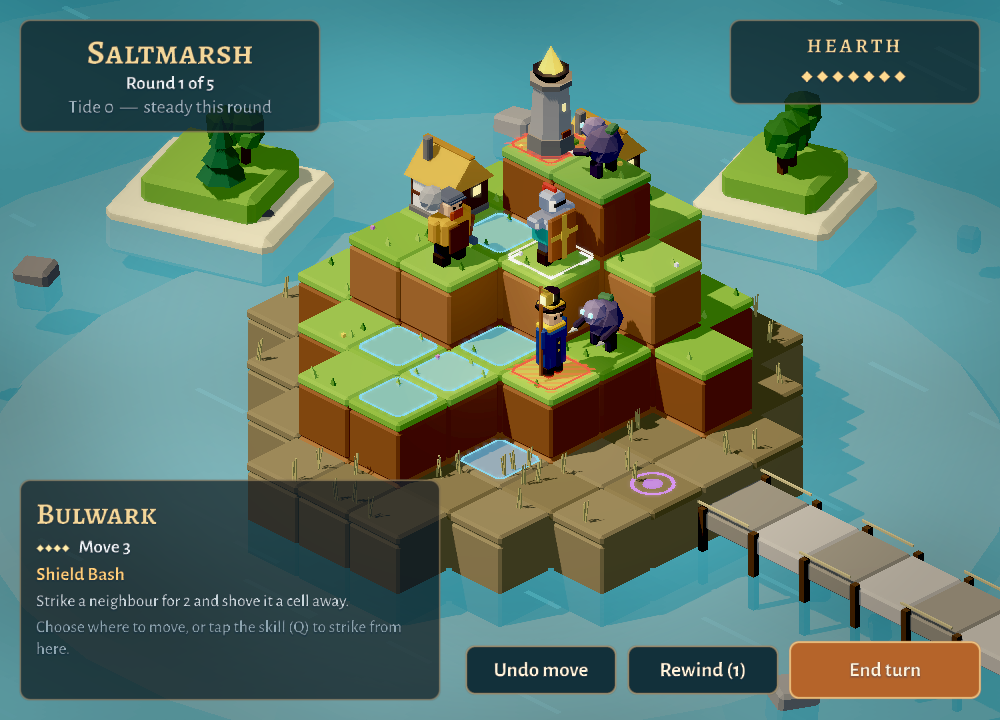
Causeway: three wardens defend a lit low-poly island while the Hollow approach Causeway · play in browser
6games, all playable here
23demos, labs and tools
1renderer for desktop and browser
MITor Apache-2.0, open source
Running on Sindri

Real games, each with a job to do.

A feature is not finished in Sindri until a game uses it. The flagships push the engine hardest; the genre showcases are small, complete games you can copy to start your own.

Flagship

Causeway

Three wardens hold small islands against the Hollow, who cross the causeway at low tide, until the rising sea drowns them. Every Hollow shows what it will strike before it strikes, so each turn is a puzzle with a visible answer.

  • Lit low-poly 3D with imported GLB models
  • Picking through a pointer ray
  • Weather, water and lava shaders
  • Weave HUD and menus
  • Turn logic written in Decay
Flagship

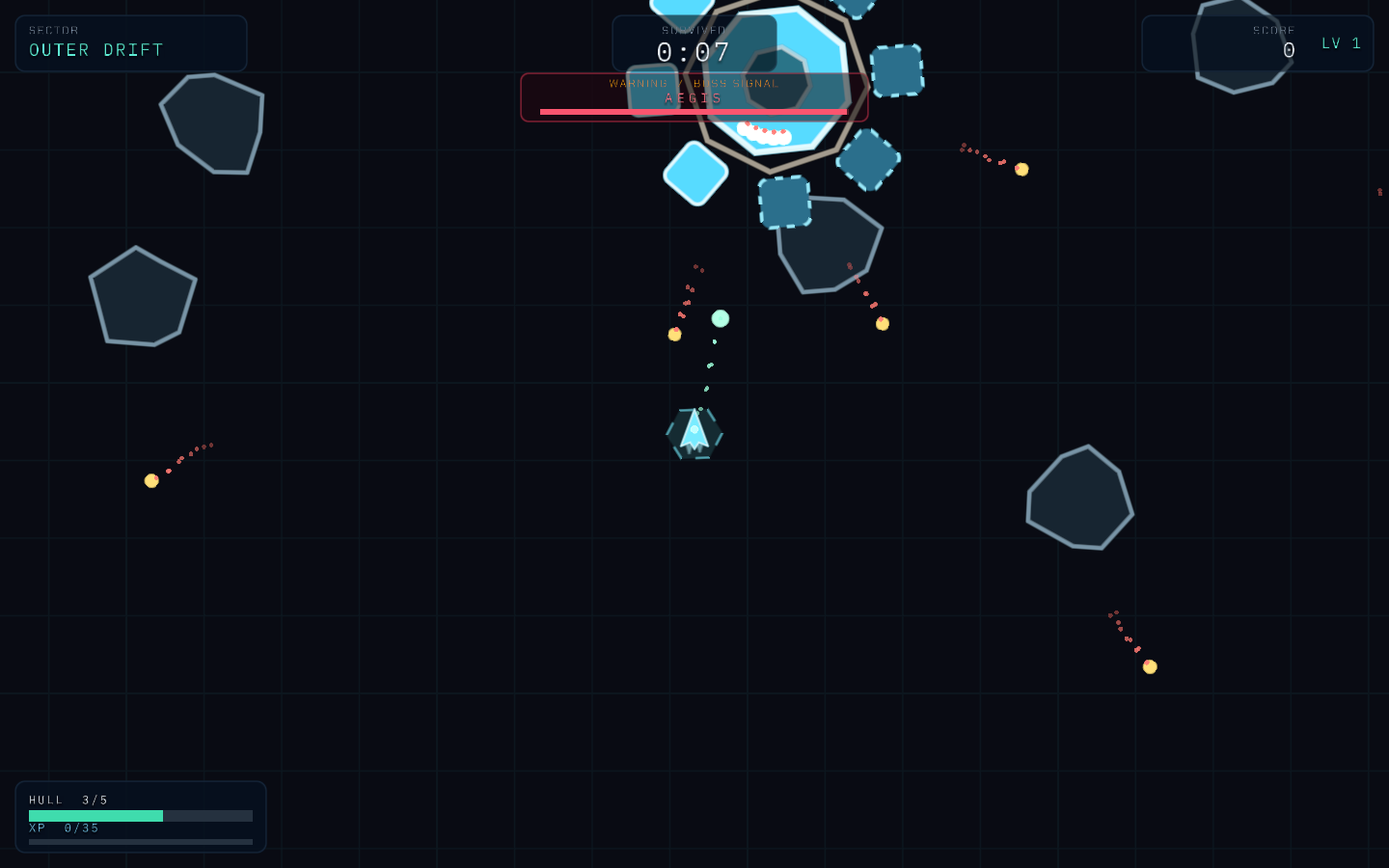
Orbital Last Stand

The fleet is gone and someone has to hold the line. Build an unlikely warship while an evacuation corridor closes: survive five sectors over ten minutes, or take a field kit into a twelve-boss gauntlet. Firing is automatic; movement, timing your burst and choosing a build make the difference.

  • 160 modules, 15 enemy types and 12 bosses in Decay
  • Prefabs and pooled spawning at scale
  • Baked 3D sprite sheets
  • Weave menus that fit a phone
  • Saved progress and settings

Genre showcases

One small, complete game per genre. Each proves Sindri can make that kind of game, and is the project to copy when you start one.

Genre showcase

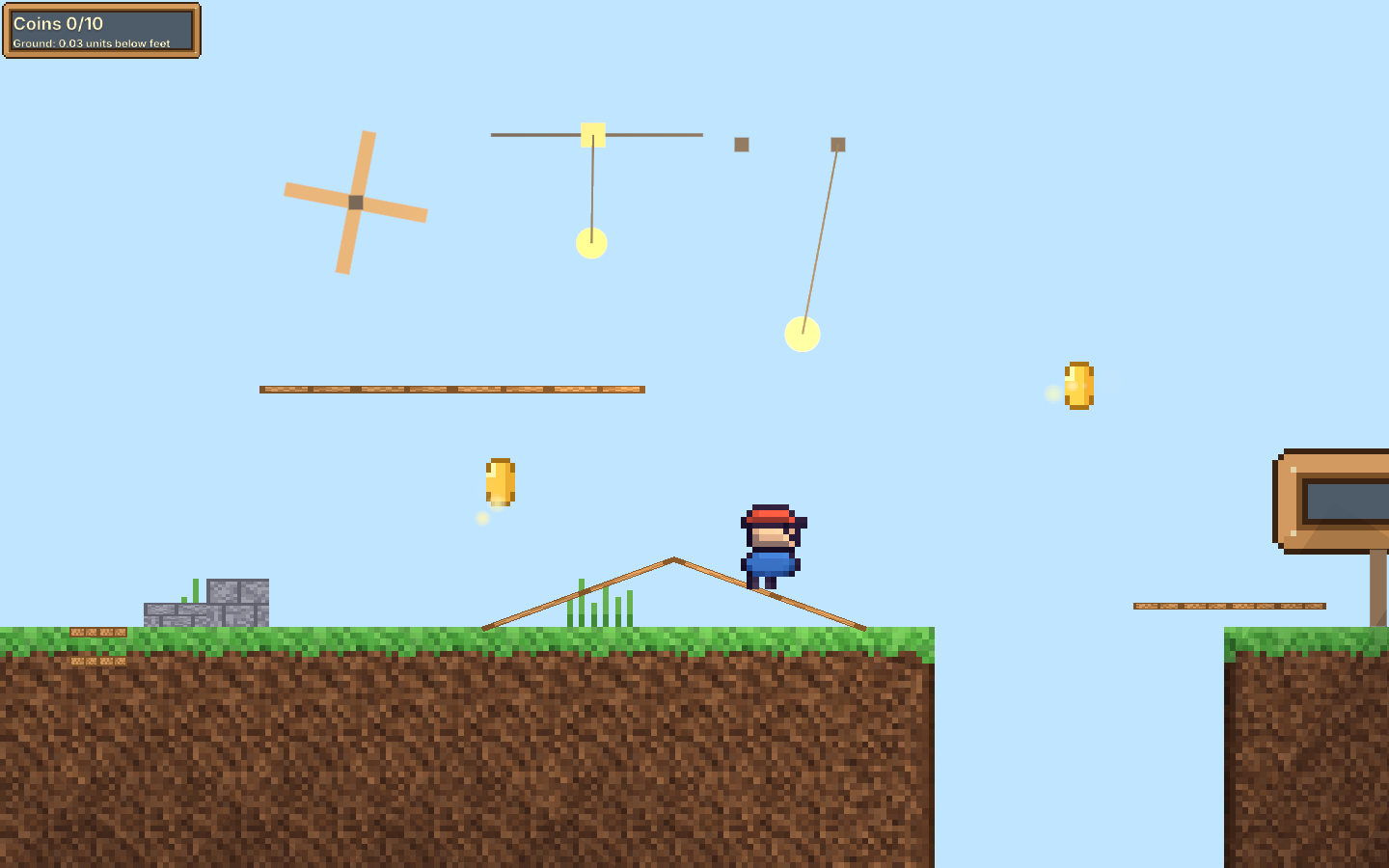
Platformer

The platformer showcase: run, jump and collect coins on the way to the flag.

Play Platformer
Genre showcase

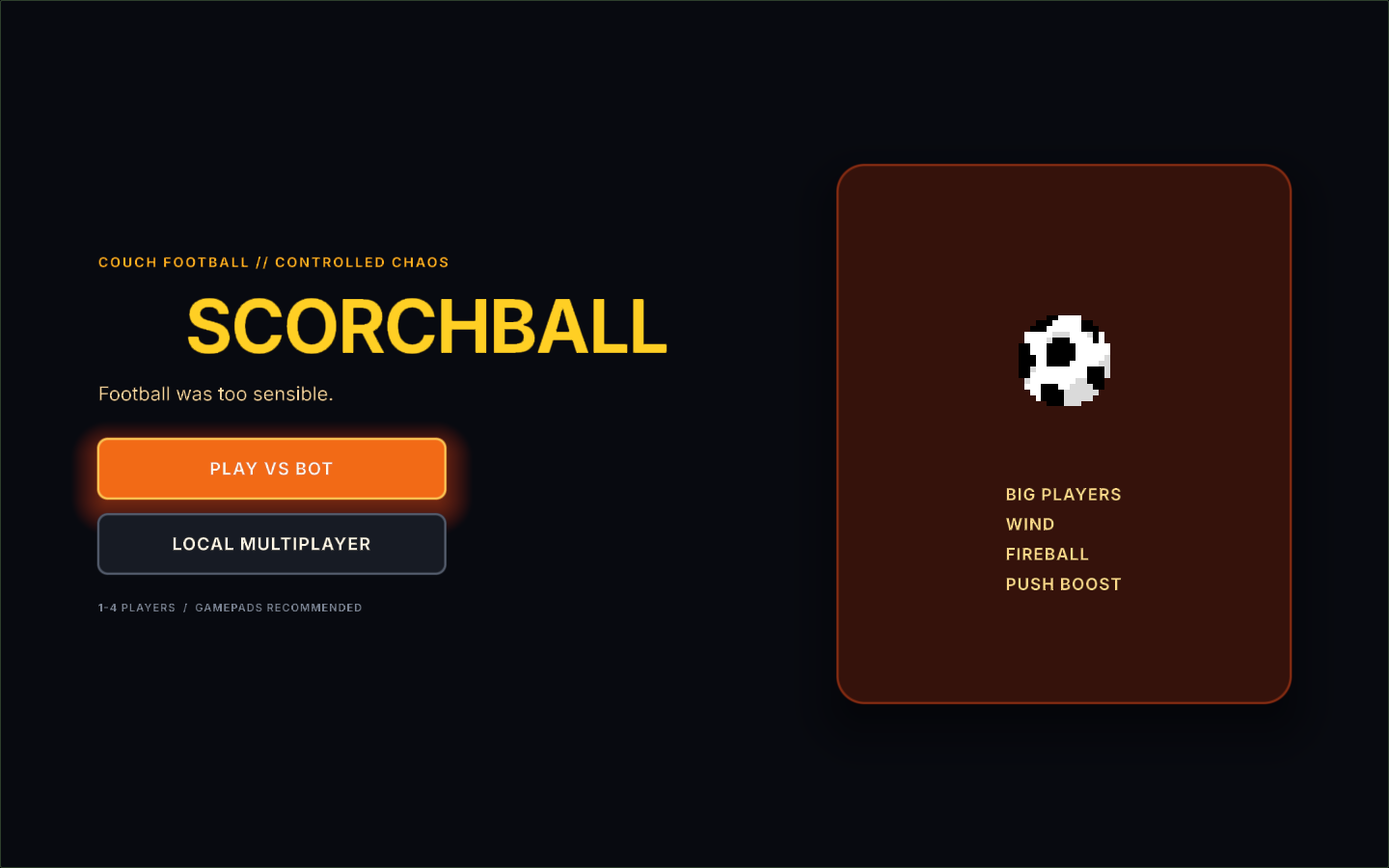
Scorchball

Local multiplayer football for two to four controllers.

Play Scorchball
Genre showcase

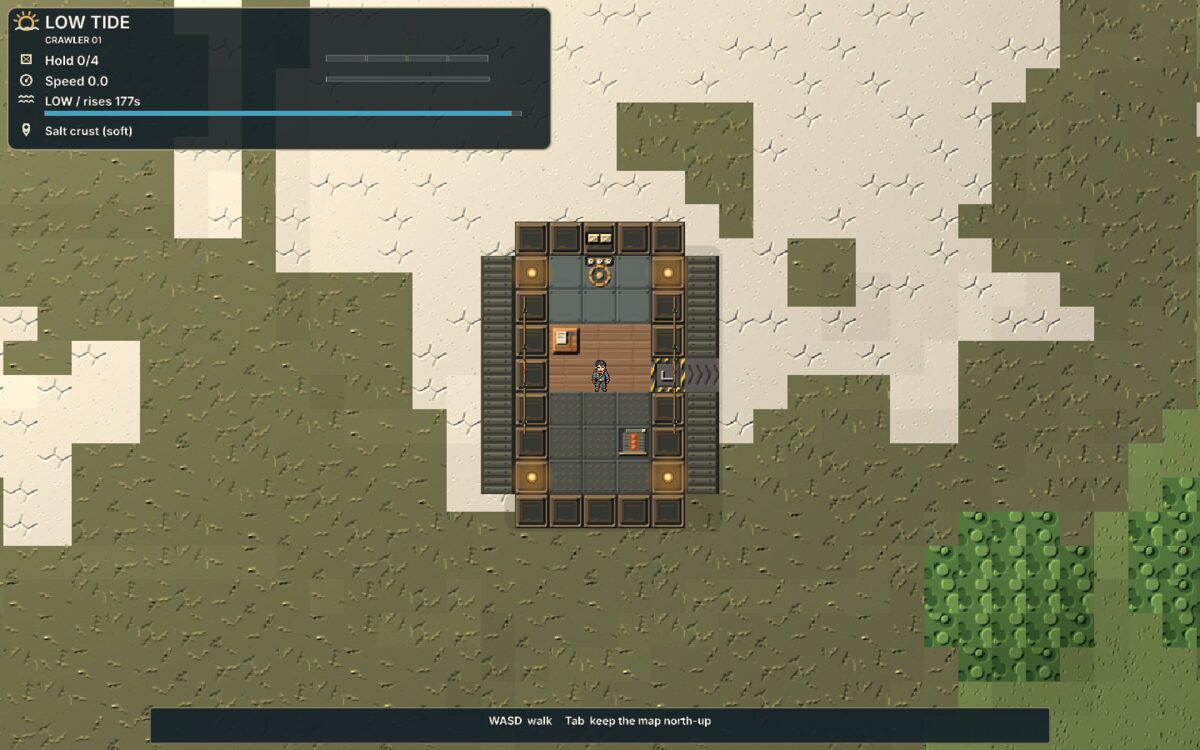
Low Tide

Drive your home across a drained sea ahead of the returning Tide.

Play Low Tide
Genre showcase

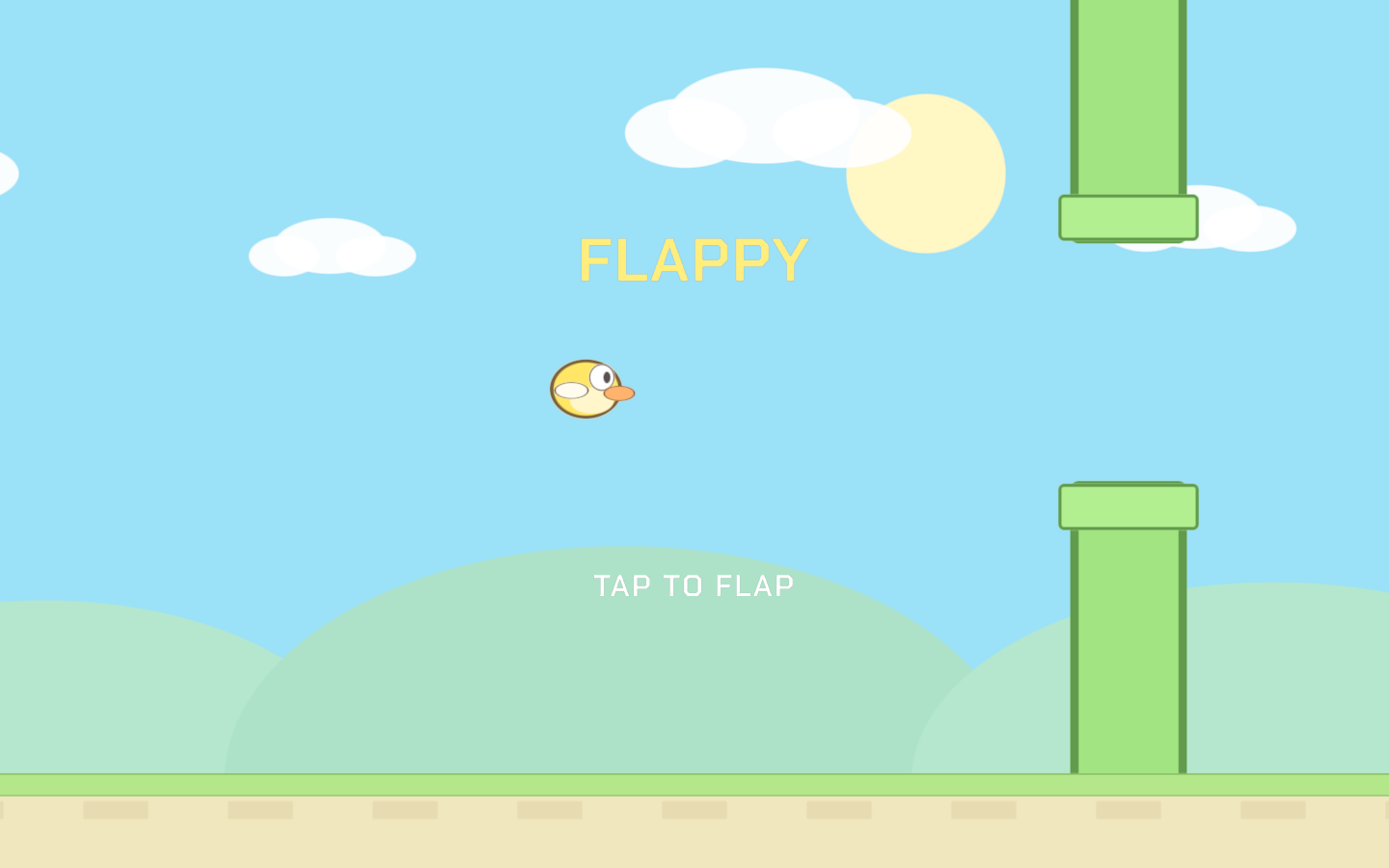
Flappy

A small flapping arcade game.

Play Flappy
Feature examples & labs

One feature at a time.

Small projects that show one bigger feature on its own, small enough to read in a few minutes. Every one opens in the editor and plays here in the browser.

Feature example

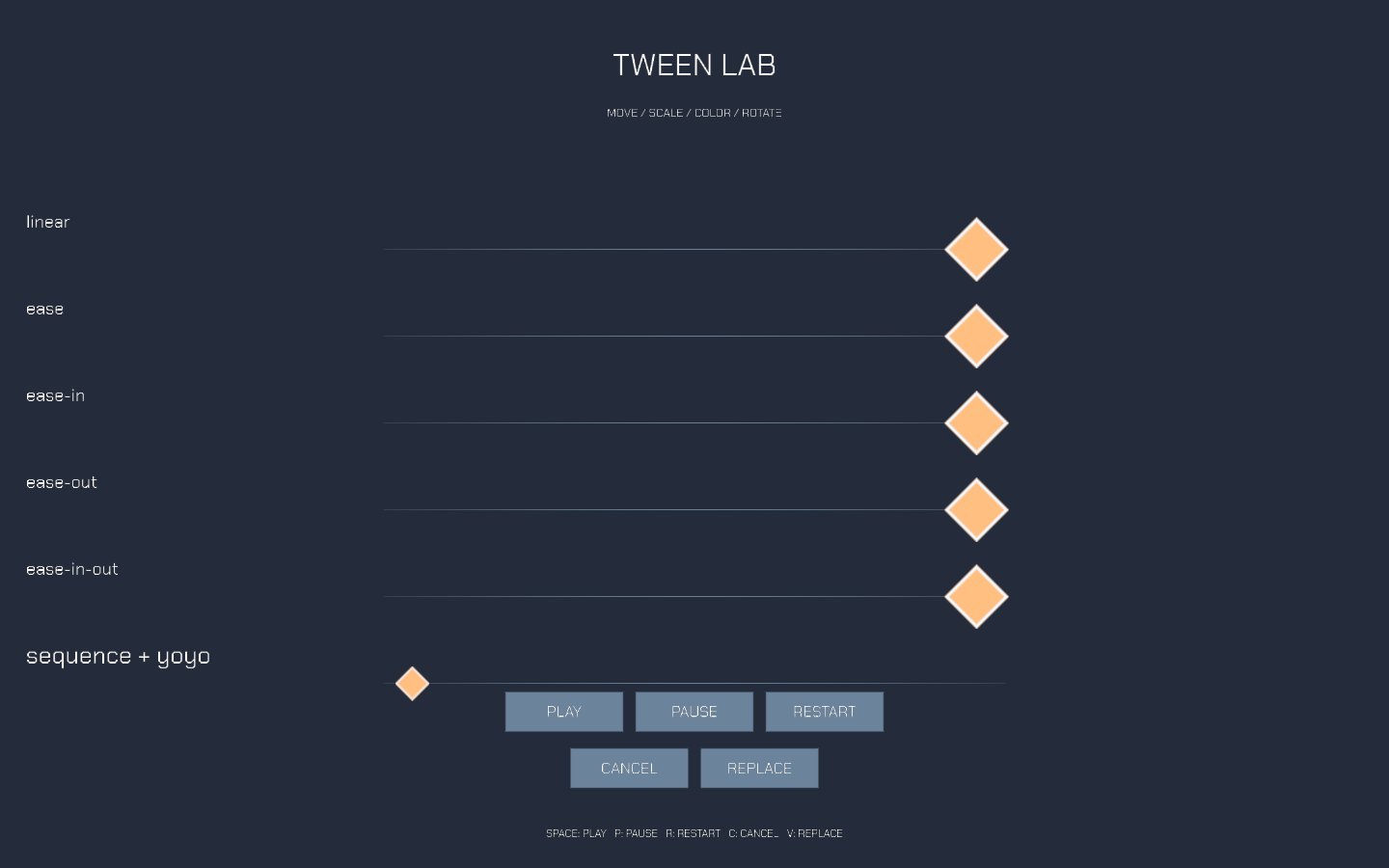
Tween Lab

Compare five easing curves with managed Decay playback controls.

Play Tween Lab
Feature example

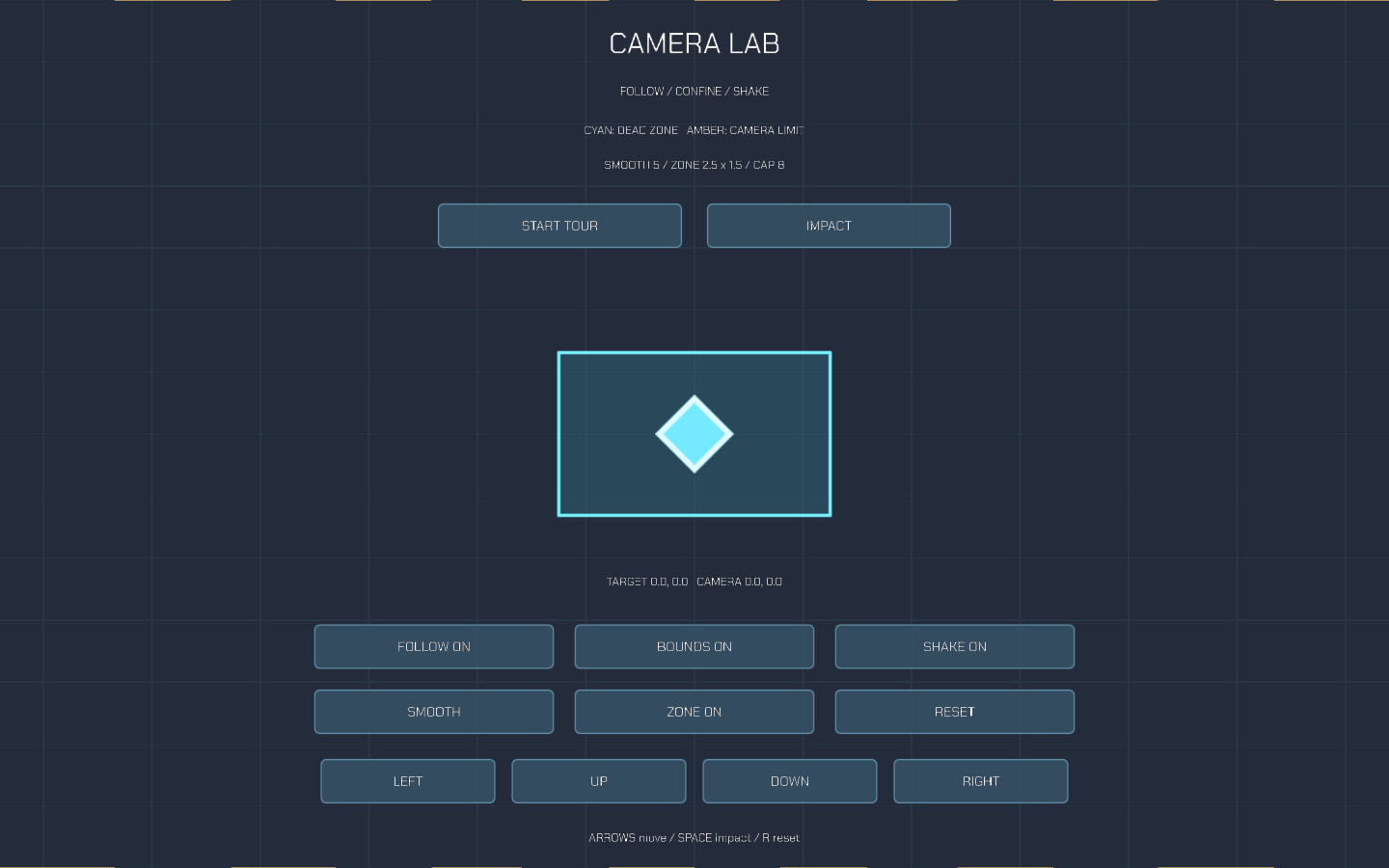
Camera Lab

Explore camera follow, dead zones, smoothing, confinement and impact shake.

Play Camera Lab
Feature example

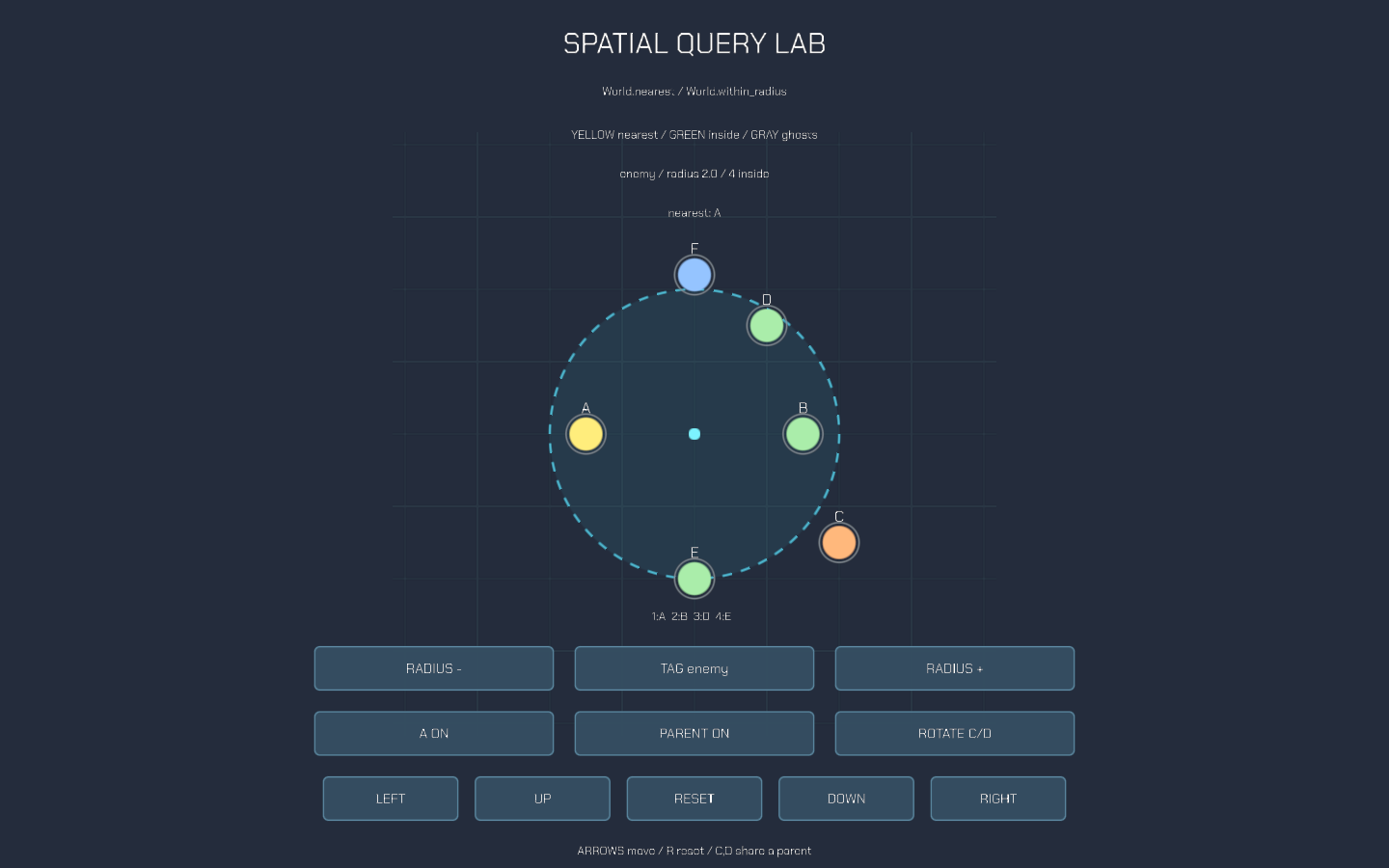
Spatial Query Lab

Explore nearest targets and ordered radius results with tags, active state and parent transforms.

Play Spatial Query Lab
Feature example

Physics Playground

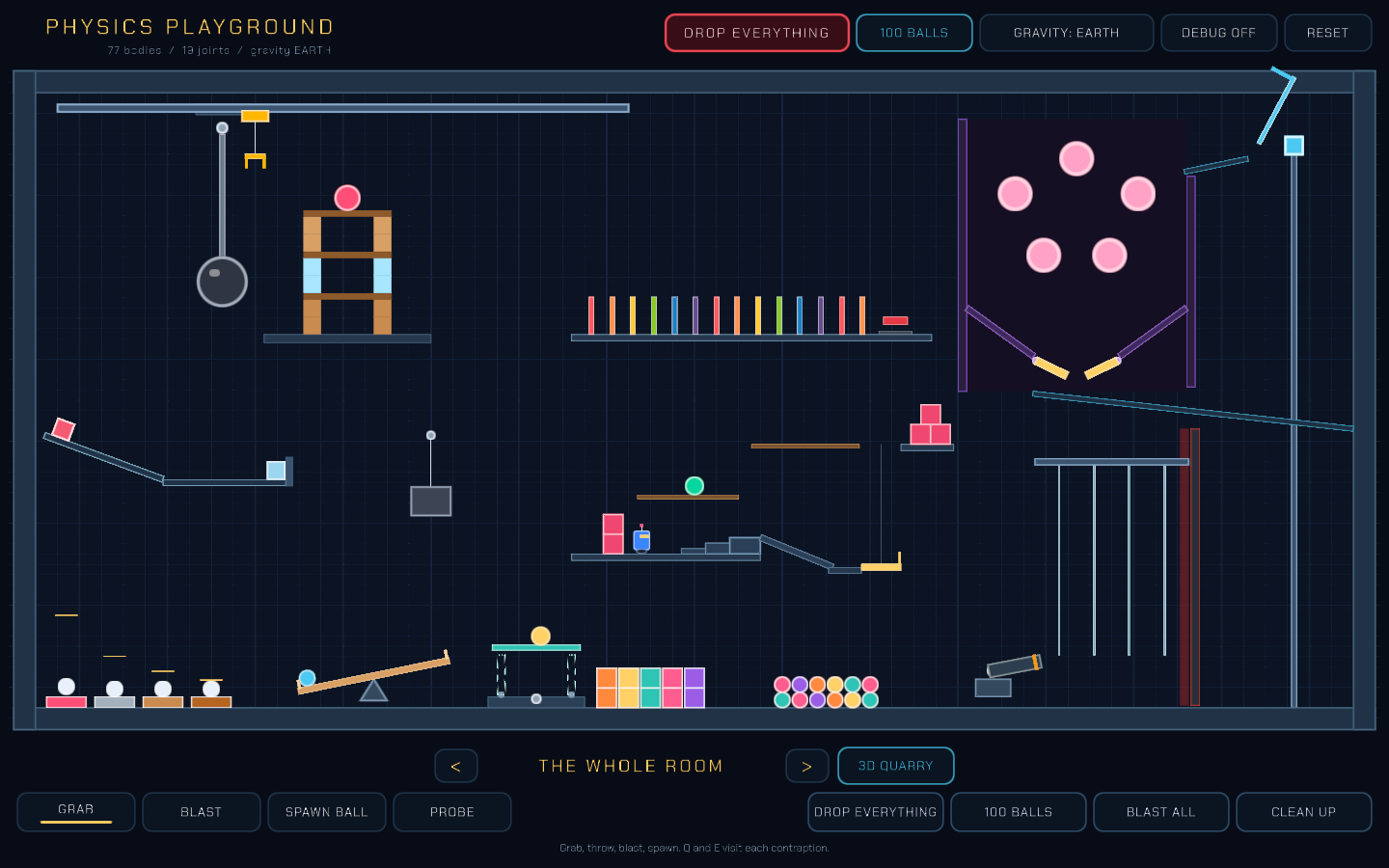
A room full of contraptions, from a wrecking ball to a crane, with tools to grab, blast, spawn and probe them.

Play Physics Playground
Feature example

Input Actions

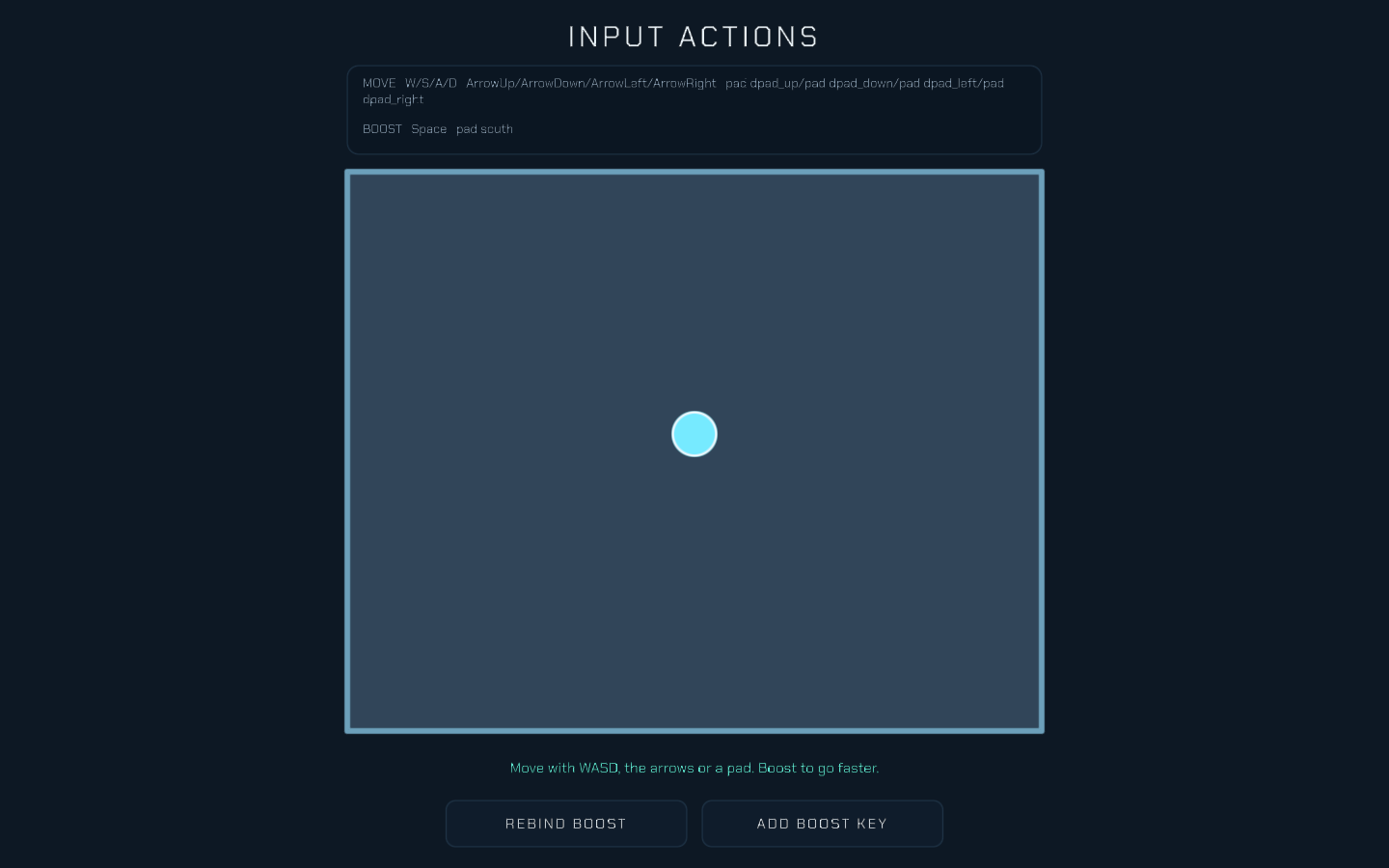
Steer by what you mean, not what you press, and rebind boost to any key or button while it runs.

Play Input Actions
Feature example

Sound Mixer

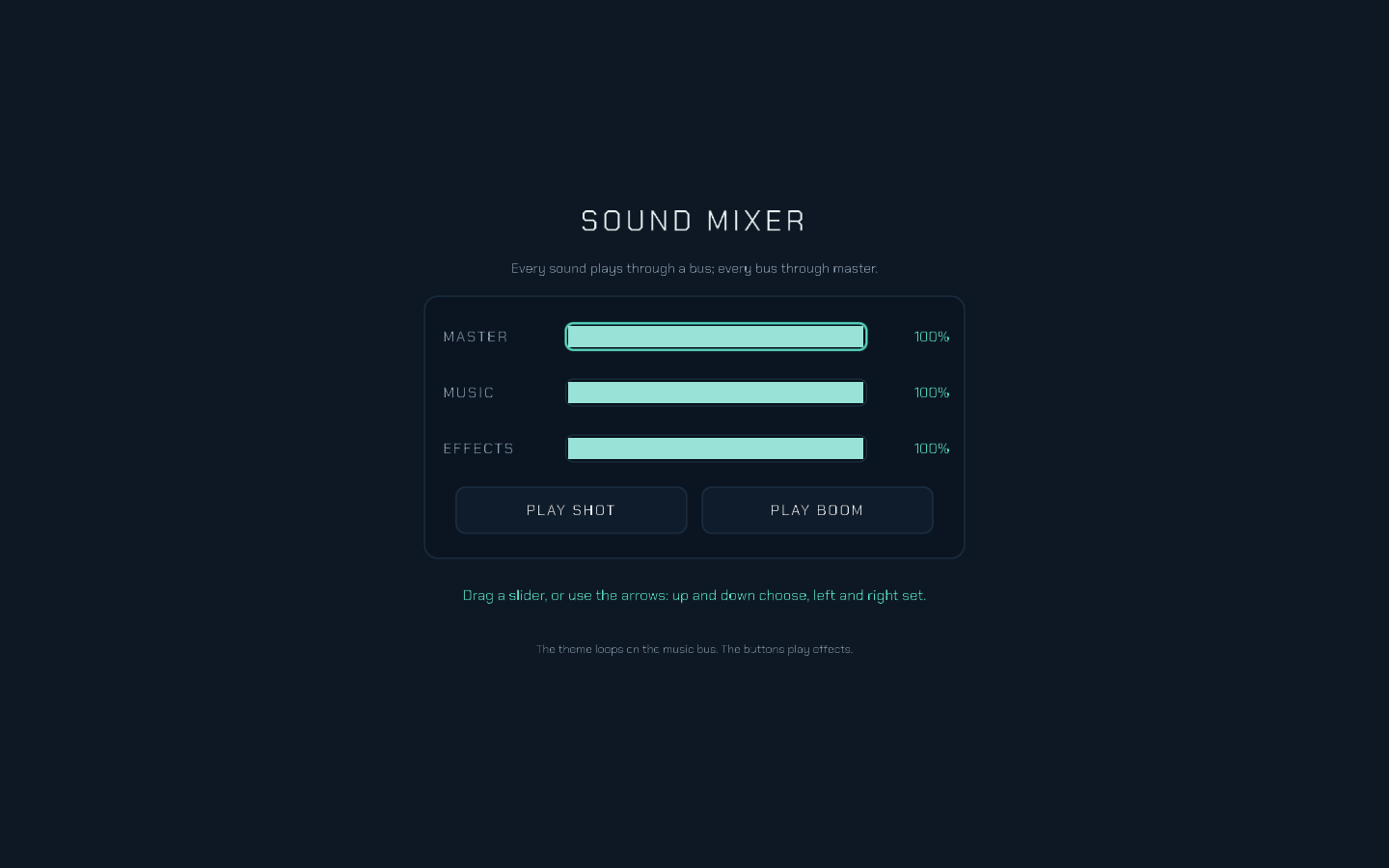
Turn the master, music and effects buses up and down while the theme plays.

Play Sound Mixer
Feature example

Sequence Stage

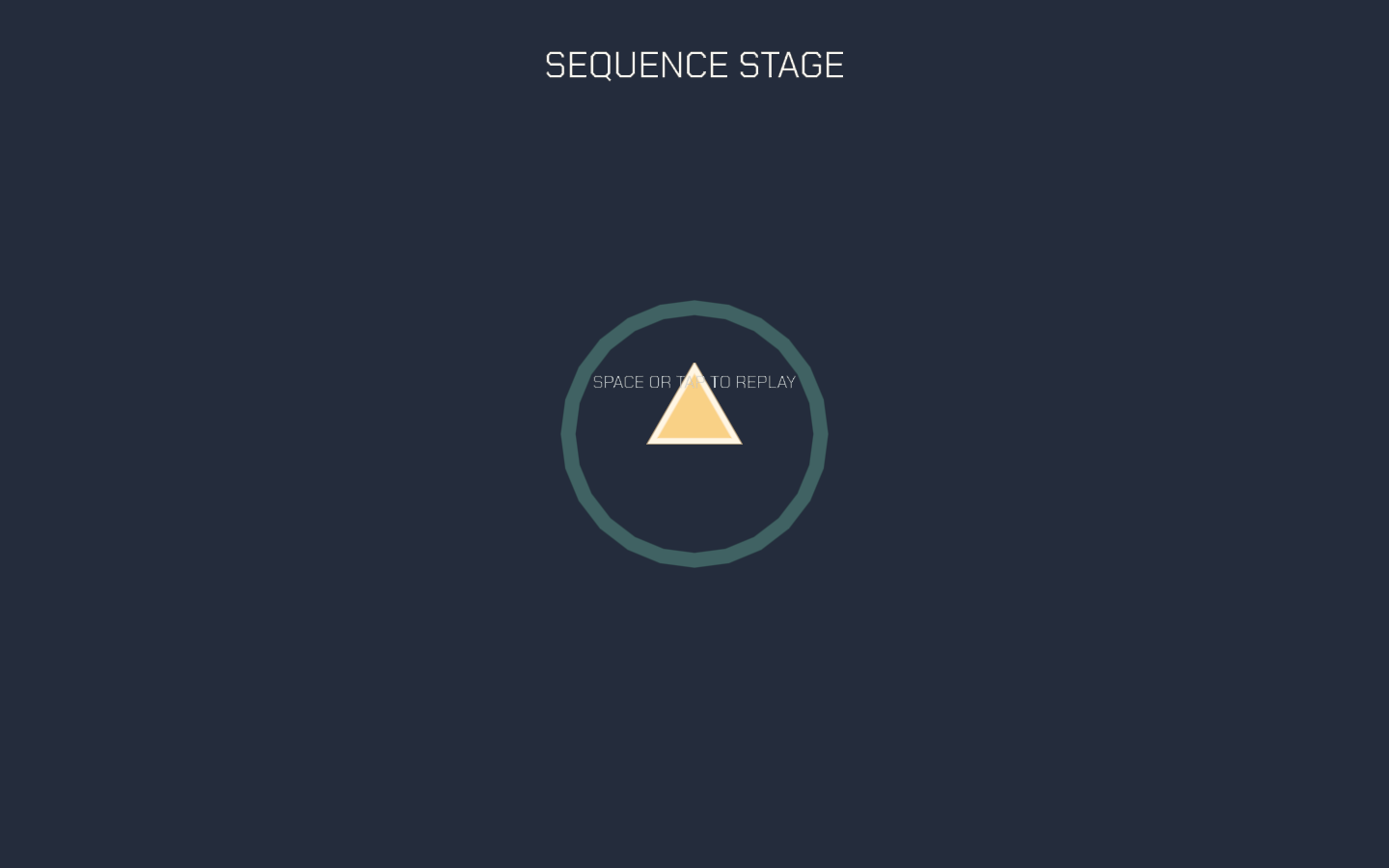
A ship flies in on a sequence authored in the Timeline, with sound cues, then the stage idles on a loop. Space or tap replays it.

Play Sequence Stage
Feature example

Sprite Shaders

Four project WGSL sprite shaders side by side: a pulsing outline, a dissolve, a hit flash and a wave. Scripts drive the burn and the flash through each sprite's shader parameters; Space flashes.

Play Sprite Shaders
Feature example

Sprite Masks

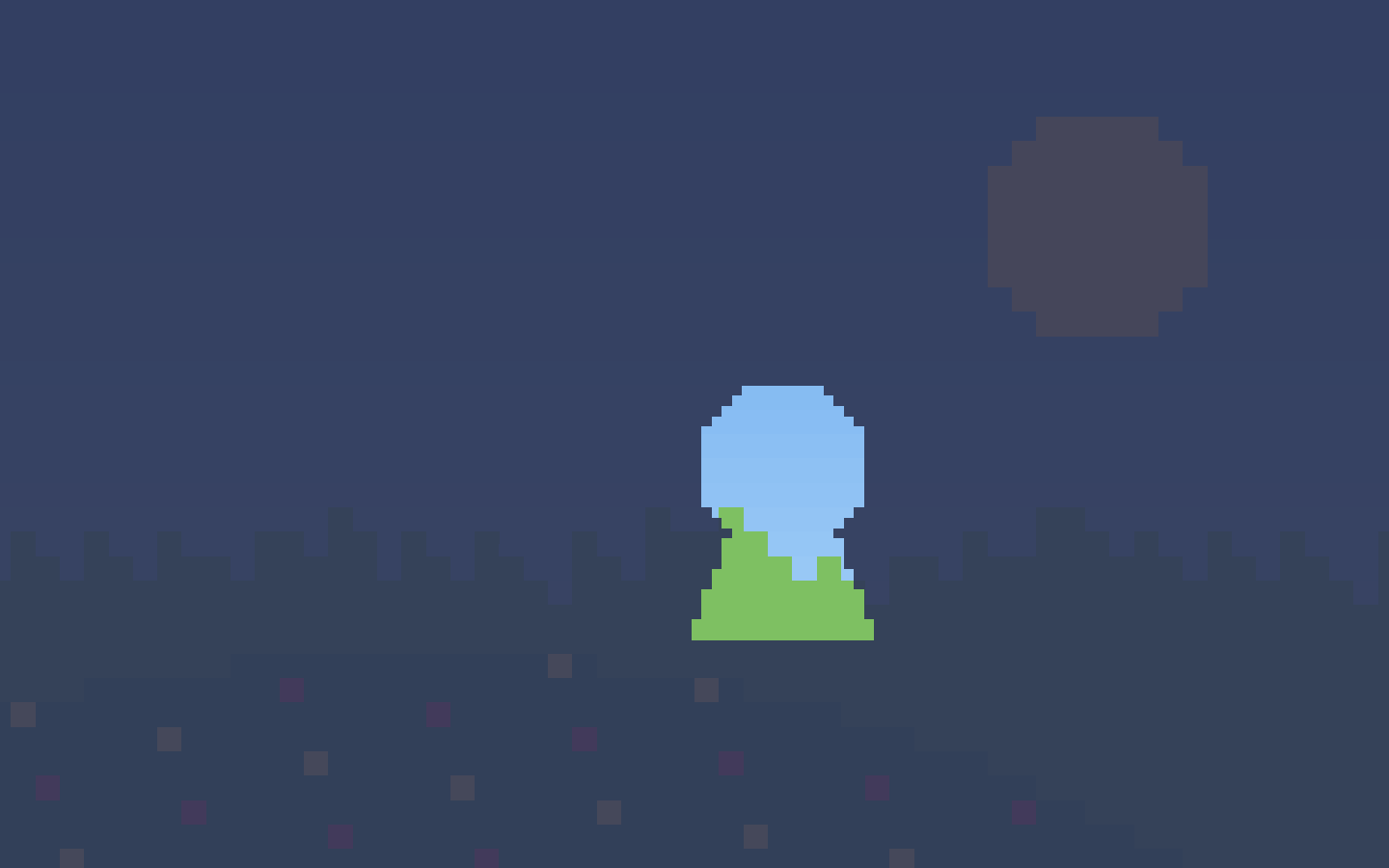
A keyhole wanders over a night sky: the night is masked outside it so a sunny meadow shows through, and a gem masked inside it is only ever seen through the hole.

Play Sprite Masks
Feature example

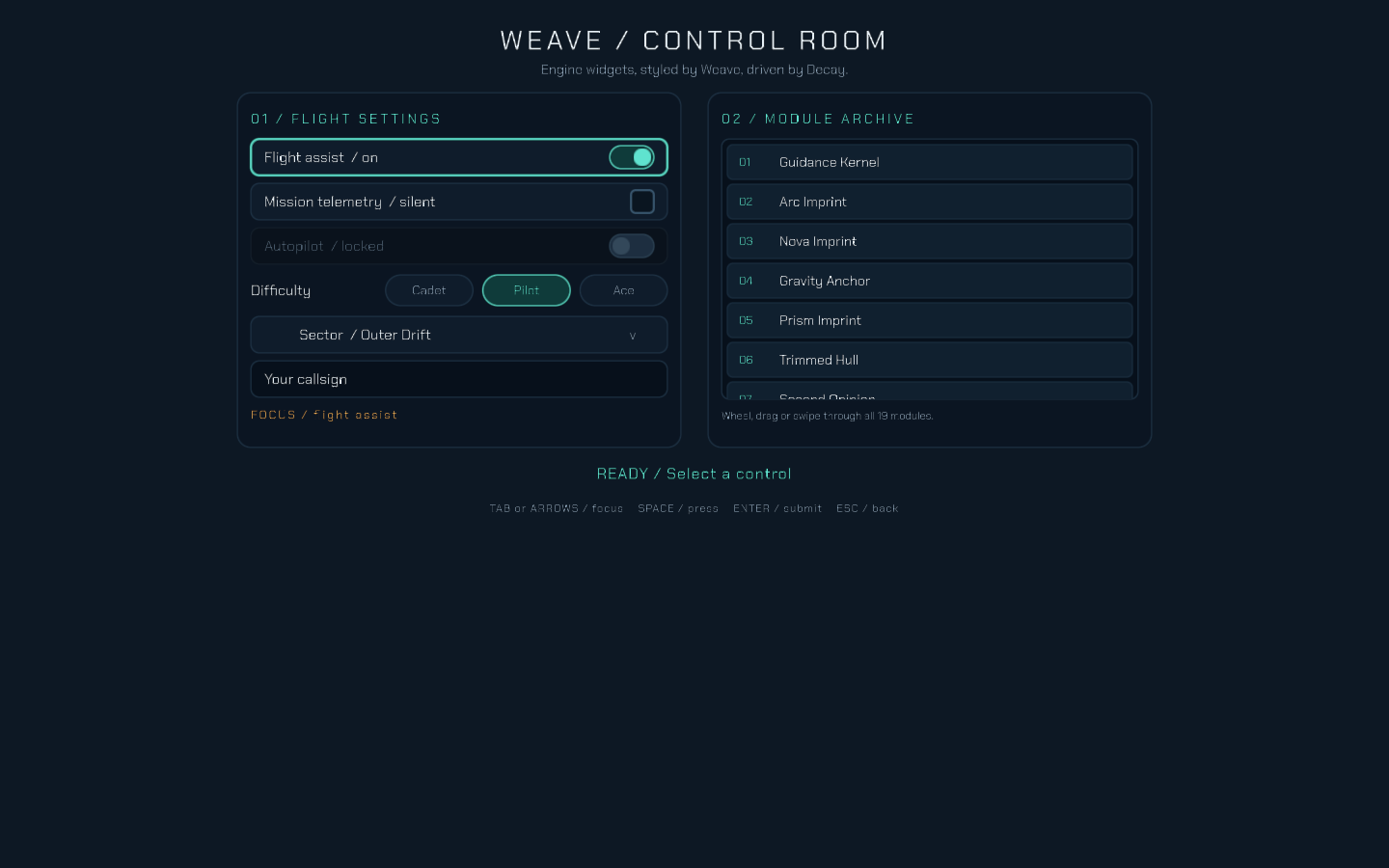
Weave Control Room

Toggle, type and scroll through engine widgets styled by Weave.

Play Weave Control Room
Feature example

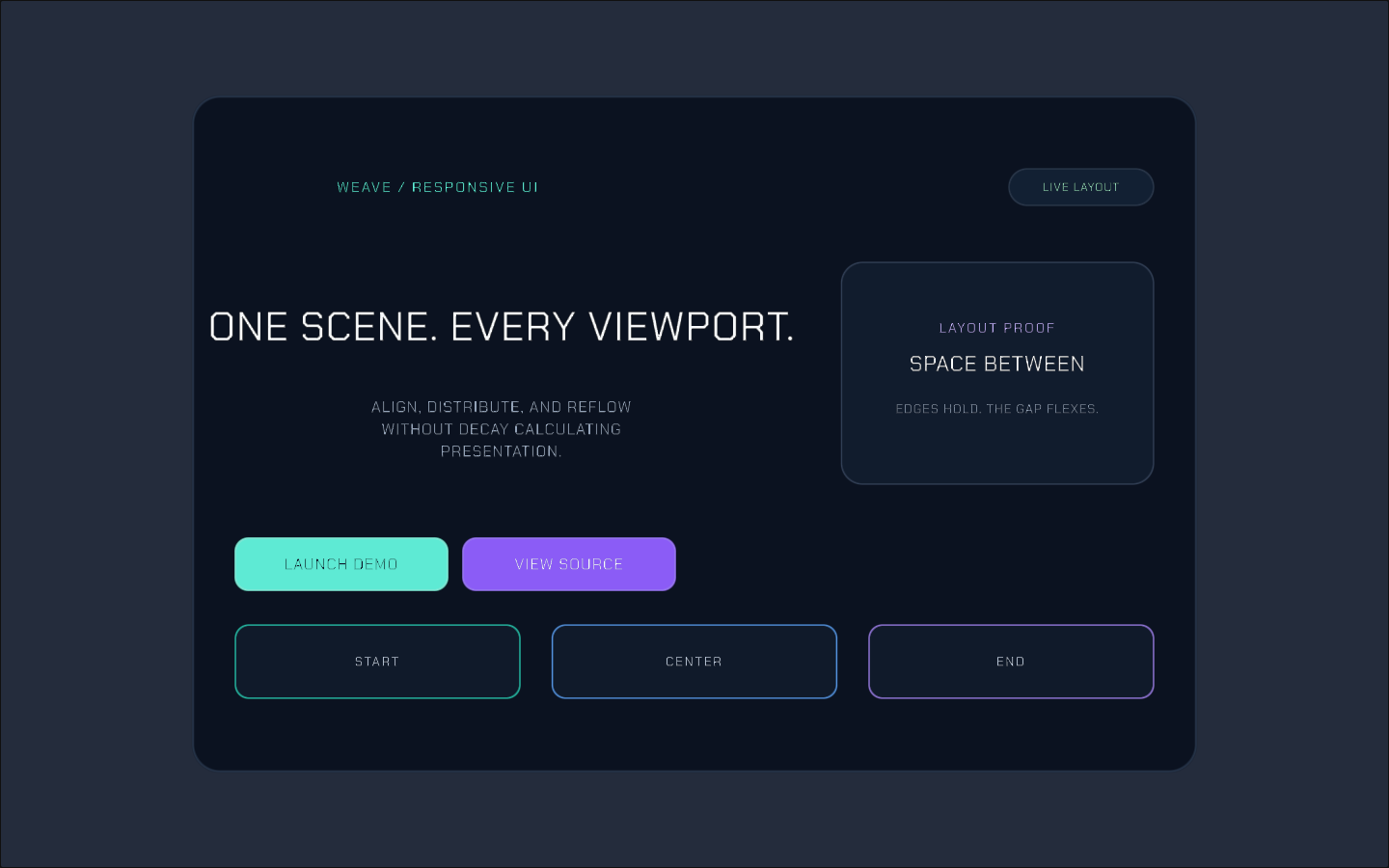
Weave UI

Explore CSS-inspired responsive UI, layouts and presentation rules.

Play Weave UI
Lab

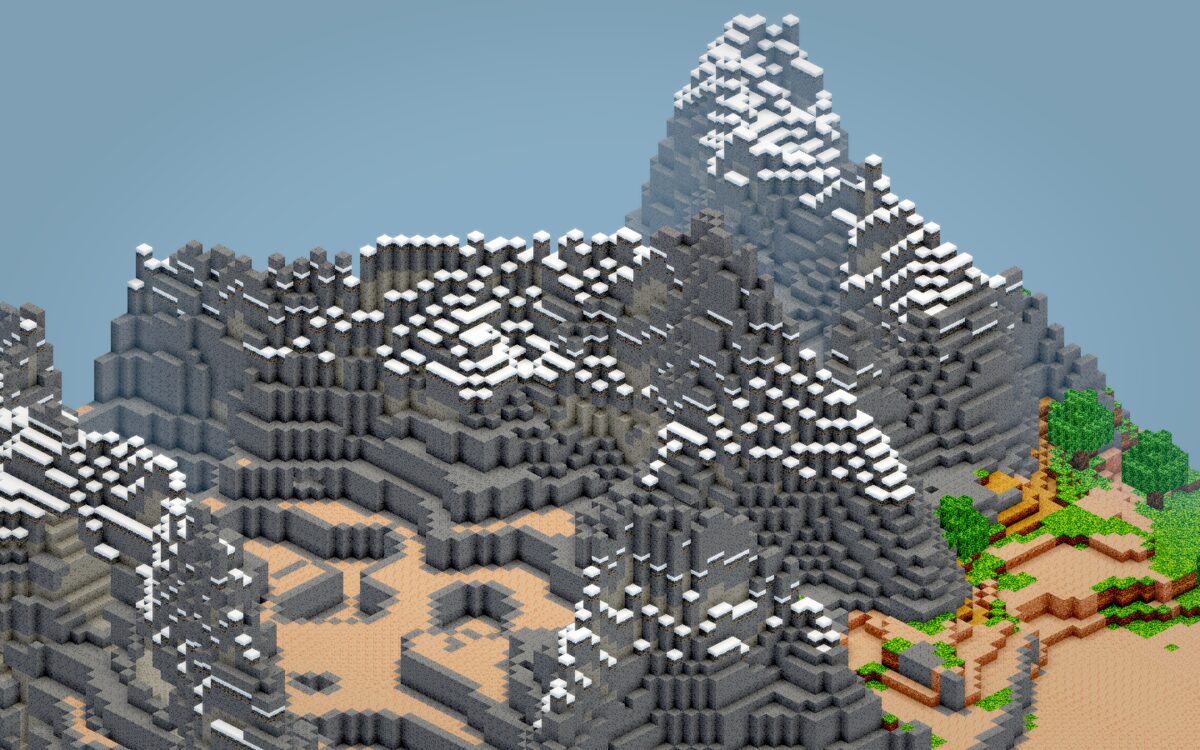
Voxel Lab

Inspect voxel terrain, meshing and rendering effects.

Play Voxel Lab
Tool

Normal Map Studio

Make normal maps from an image or height map, then preview and download them.

Open Normal Map Studio
Tool

Particle Lab

Design and preview Sindri particle emitters.

Open Particle Lab
Tool

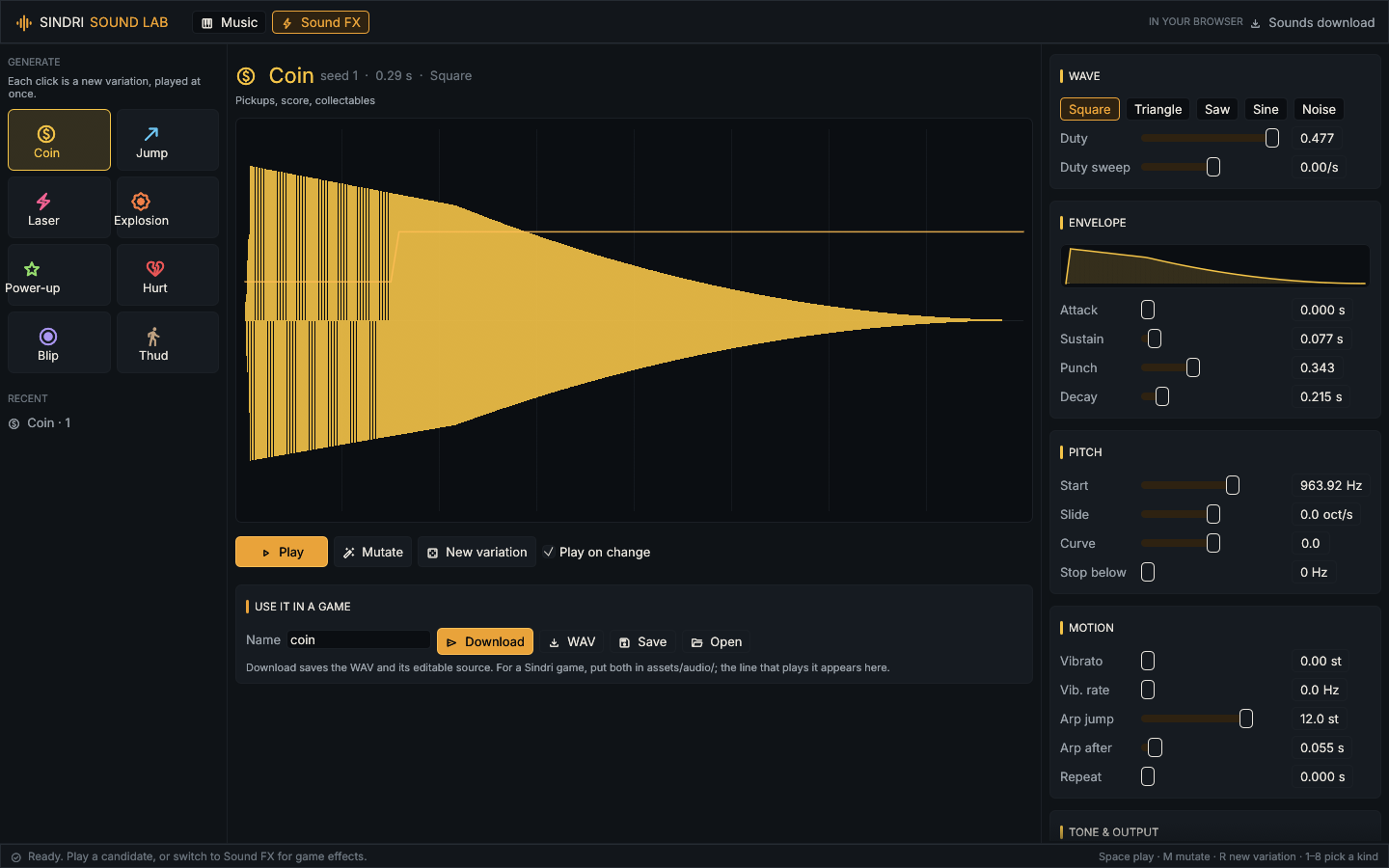
Sound Lab

Make game sound effects and chiptune music in the browser, then download them.

Open Sound Lab
Tool

Sprite Baker

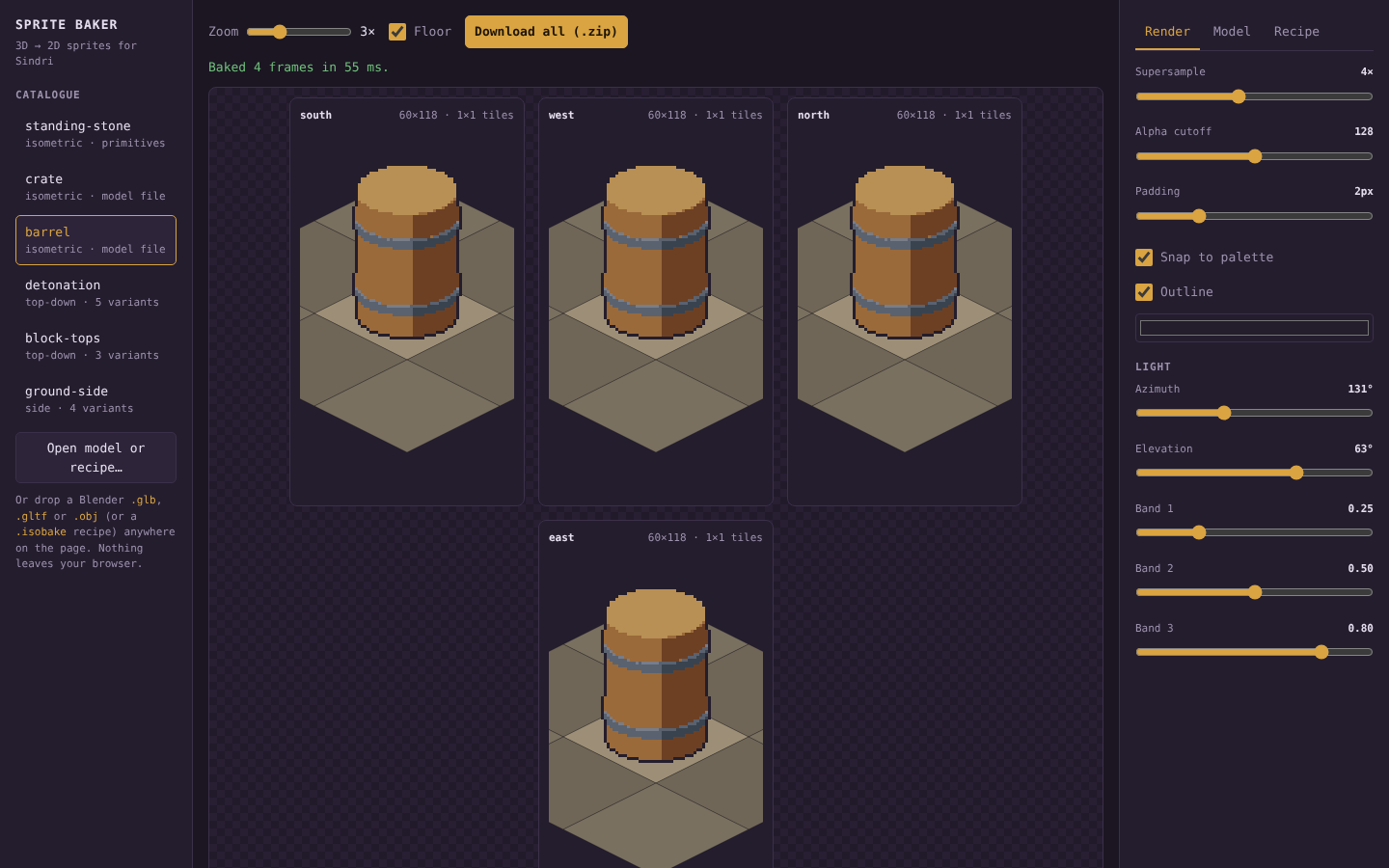
Drop in a Blender model (.glb, .gltf, .obj or a .zip of one) or write a recipe, and bake it into ordinary Sindri sprites in the browser, in isometric, top-down or side view.

Open Sprite Baker
Lab

Shapes Lab

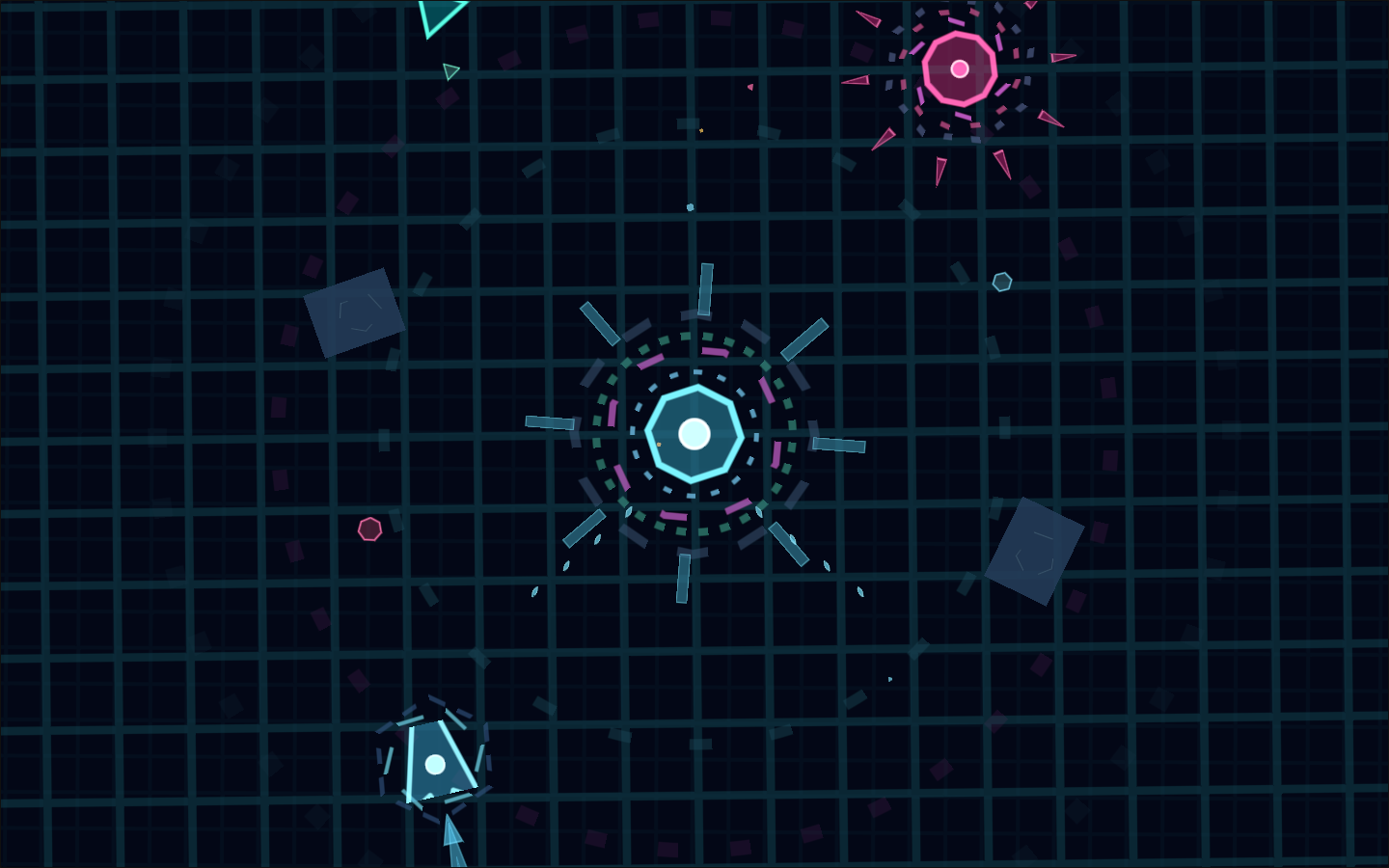
Procedural shapes and geometry in motion.

Play Shapes Lab
Feature example

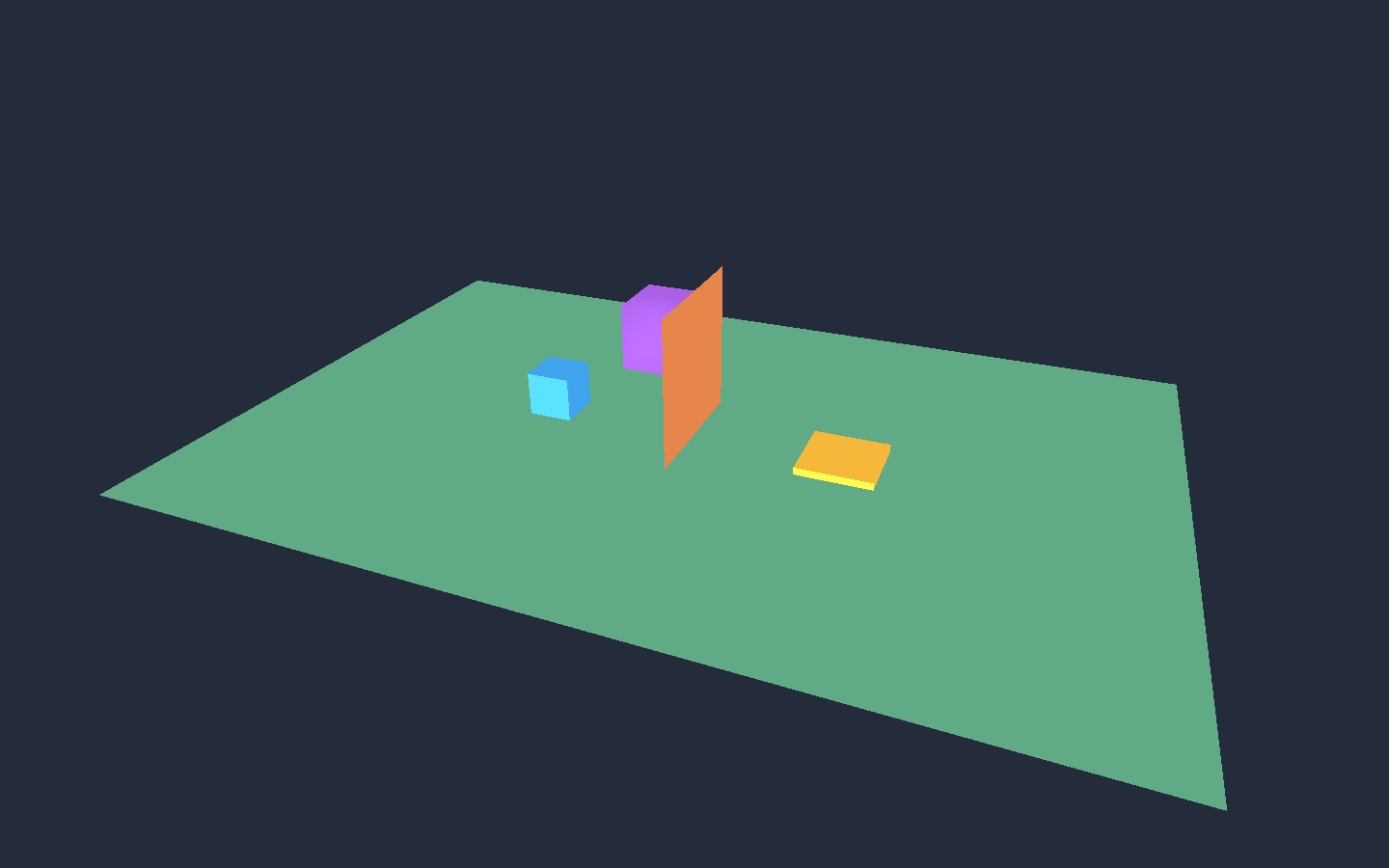
3D Transform Lab

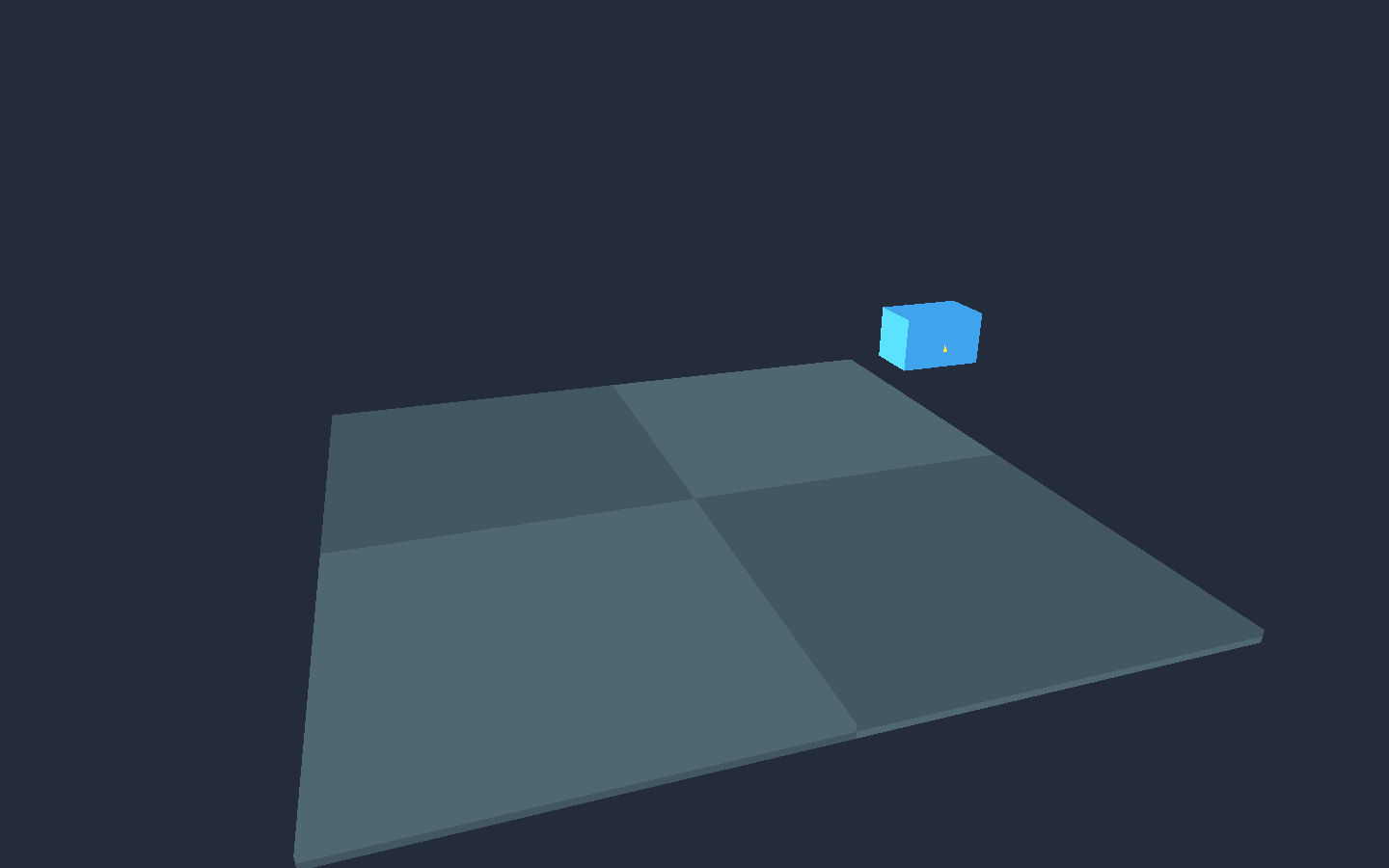
A cube faces a raised goal and walks to it in world space while the camera orbits the scene.

Play 3D Transform Lab
Feature example

3D Orbit Camera Lab

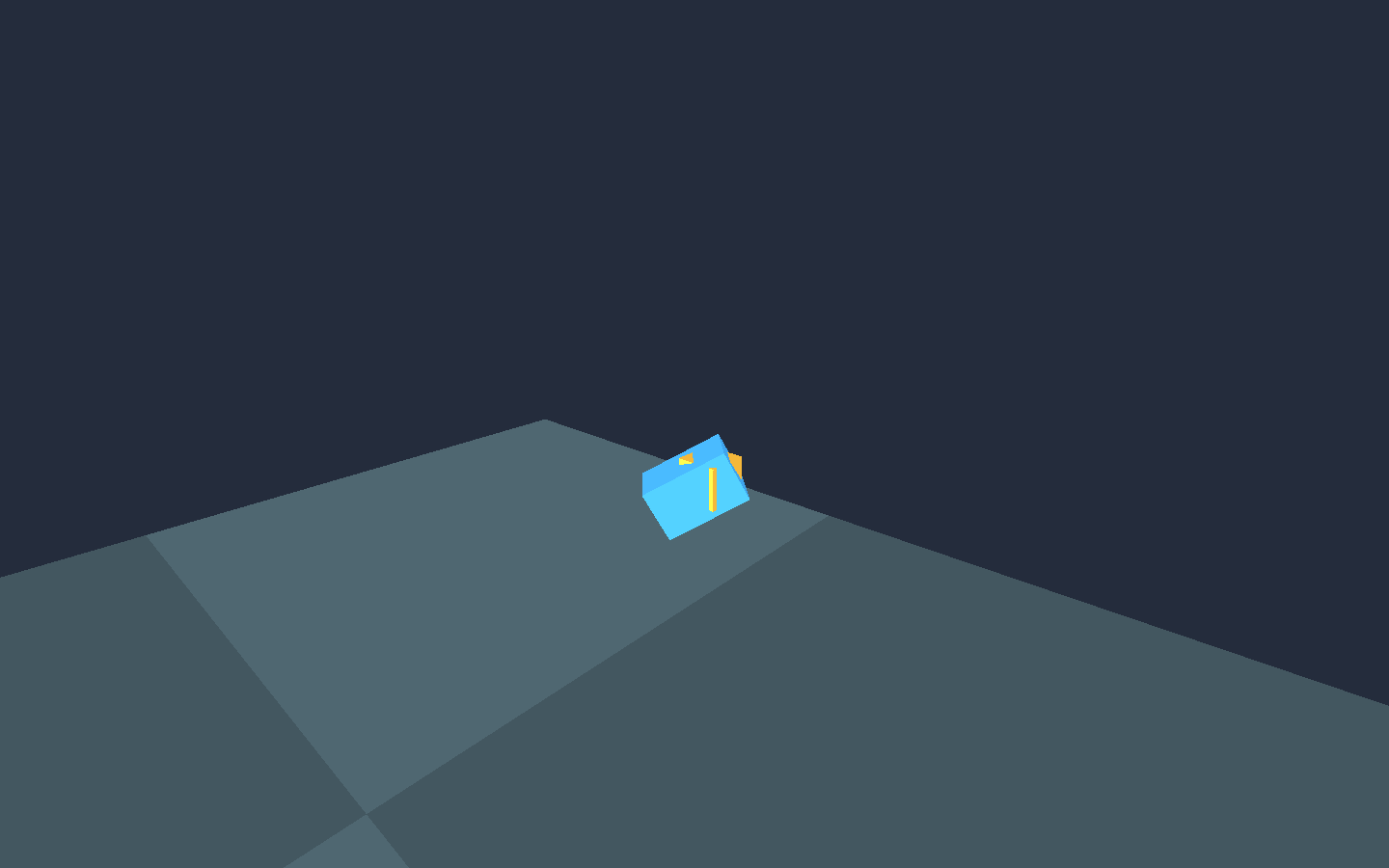
A third-person orbit camera follows a walker, pulls in past a barrier and eases back out. Right-drag, or click to capture the pointer, to look around.

Play 3D Orbit Camera Lab
Feature example

3D Character Lab

Ride a ferry, jump off and walk to the goal pad with grounded 3D character movement. WASD moves, Space jumps.

Play 3D Character Lab
Feature example

Model Collision Lab

Walk around a wall that collides from an imported GLB's own triangles. WASD moves.

Play Model Collision Lab
Feature example

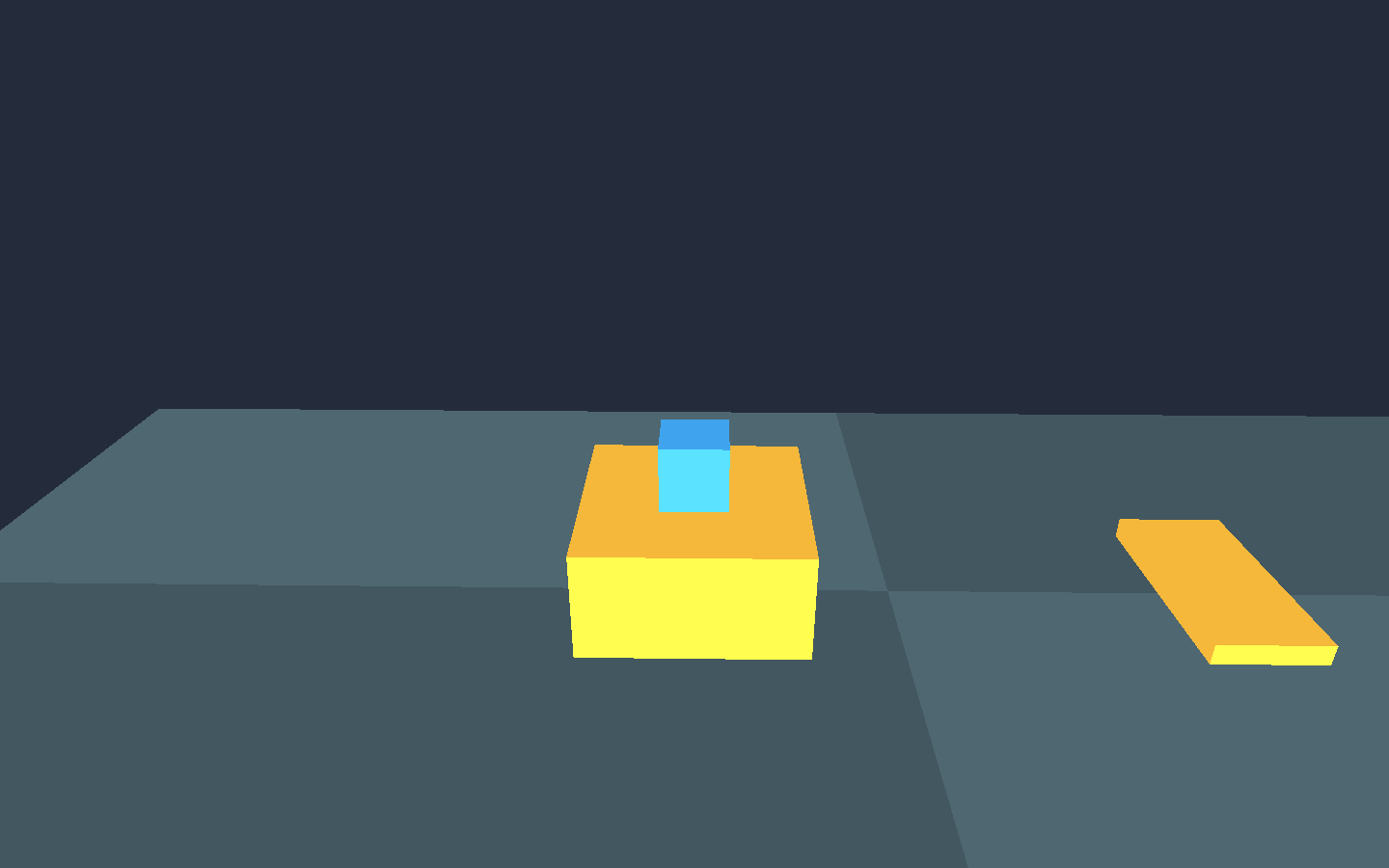
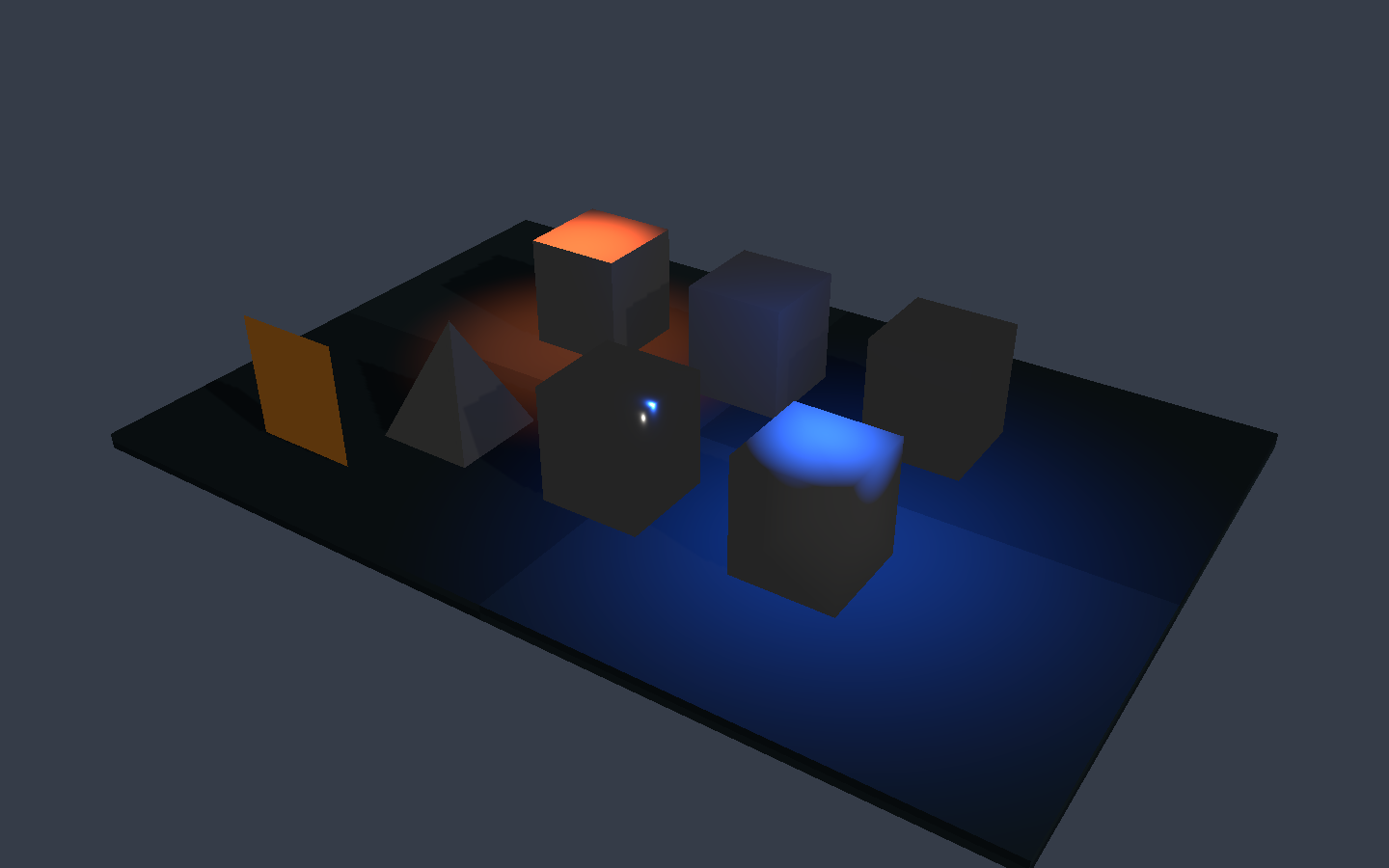
3D Lighting Lab

Point and spot lights, the sun, ambient fill and the sky change color and direction from Decay.

Play 3D Lighting Lab
Feature example

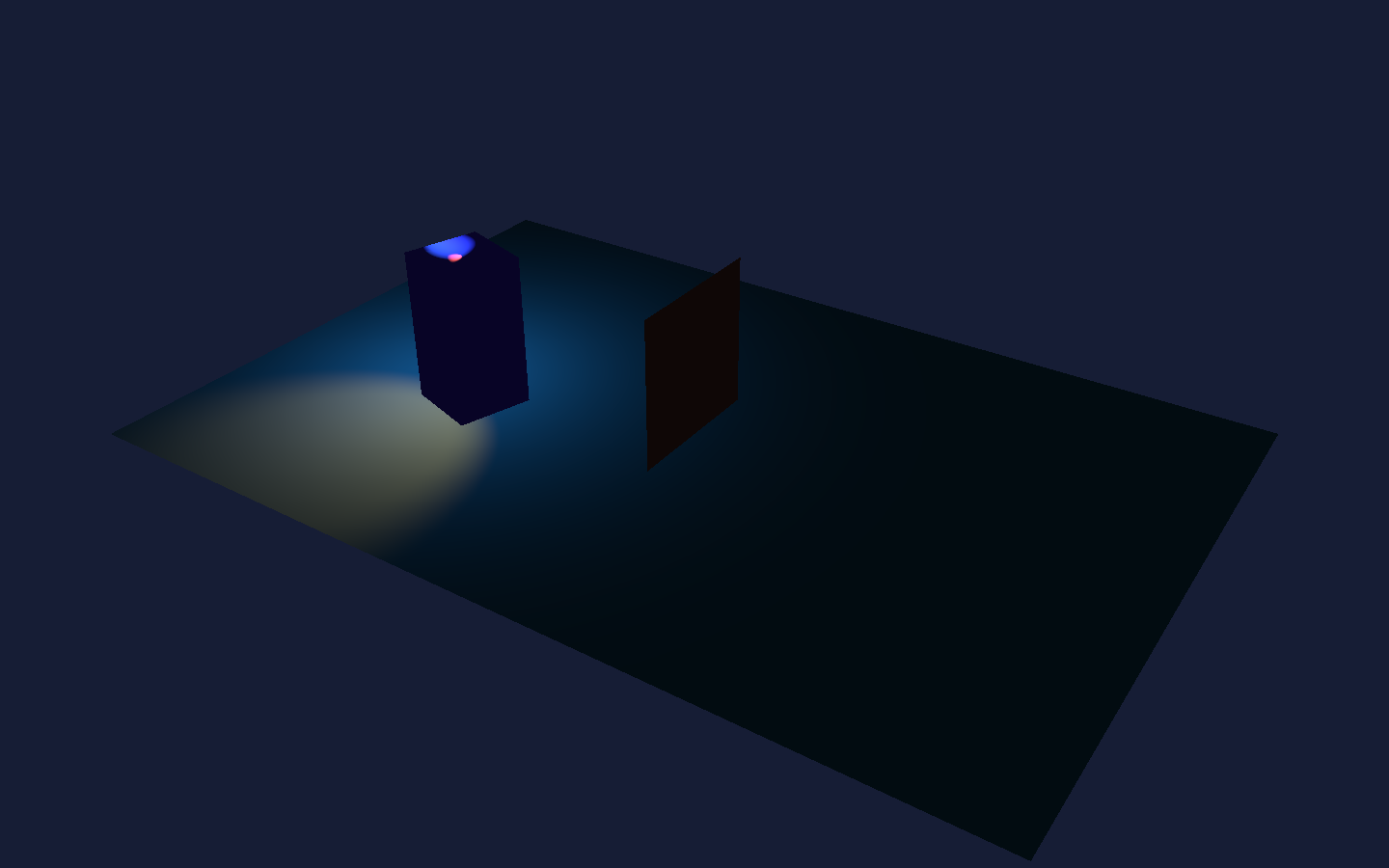
Day/Night Lab

A twelve-second day moves through sunrise, midday, sunset and night, then mounted lights take over.

Play Day/Night Lab
How you build

An editor, a language and a UI system, made together.

Games are authored in the editor, Decay and Weave. Rust is what the engine is written in, not something you need to write a game. Native and browser builds share one runtime, one scene format and one renderer.

Editor

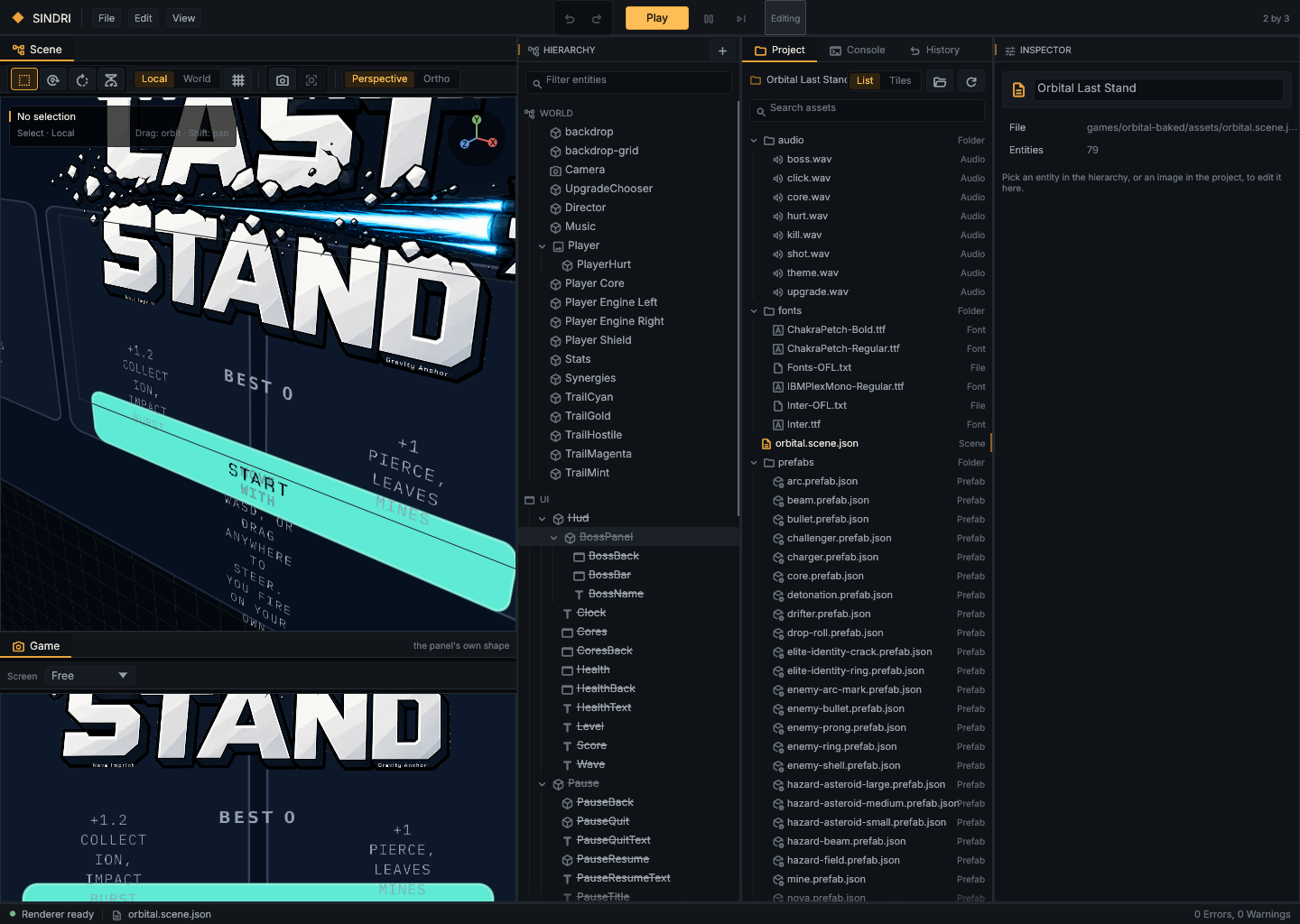
A native editor working on the same world the game runs: hierarchy, inspector, asset browser, sprite slicing, a Timeline, undo, and Play, Pause and Stop on the real engine.

Decay

A statically typed gameplay language. Game state, events, input, physics, spawning, audio and UI live in Decay scripts, checked before they run.

Weave

Responsive presentation for game UI. Styles and layout rules recompose one interface for a desktop, a phone held upright and a phone on its side.

Engine

2D and 3D in one scene model: sprites, tilemaps, voxels, lit GLB models and shadows, Rapier physics, audio buses and gamepads, built on wgpu.

sindri editor · games/orbital-baked/assets/orbital.scene
The Sindri editor with the Orbital Last Stand scene open

Captured by a binary in the repository rather than a screen grab, so it can be retaken after every change.

Decay

A gameplay language that refuses to guess.

Decay is Rust-inspired and statically typed, without ownership, lifetimes or unsafe. A misspelled host member, a wrong event payload or a mismatched type is a diagnostic with a source location, not a mystery at runtime.

  • @export fields show up in the editor without running the script
  • Typed events, messages, shared state and script references
  • Vec2, Vec3, arrays, maps and bounded loops
  • A language server with completion, hover and diagnostics
player.decaydecay-lsp
script Player {
    @export
    var speed: number = 6.0;

    fn update(dt: number) {
        let movement = Input.axis("ArrowLeft", "ArrowRight");
        this.transfrom.position.x += movement * speed * dt;
    }
}
player.decay:7:9: error[decay-semantic/unknown-member]: `Player` has no member `transfrom`
Honest about the gaps

Some large pieces don't exist yet, and Sindri doesn't pretend they do.

Skeletal animation and animation state machines
A Decay debugger, formatter and coroutines
Navmesh navigation and steering
Scene streaming and texture compression
Spatial audio
Accessibility labels in game UI

Each gap has a row in the parity table, set against what an engine is expected to do. Working code beats plausible architecture: it makes progress slower than ticking boxes on a roadmap, and it makes the boxes mean something.

Documentation

Learn the model, not just the API.

The contracts live beside the code and change with it, so they describe what the engine does today rather than what it hopes to do.

Open a game in the editor.

Requires Rust 1.95. Dual-licensed MIT or Apache-2.0. Open any project folder, such as games/platformer, and press Play.

shell
$ git clone https://github.com/vardirhq/sindri-engine
$ cd sindri-engine
$ cargo run --package sindri-editor